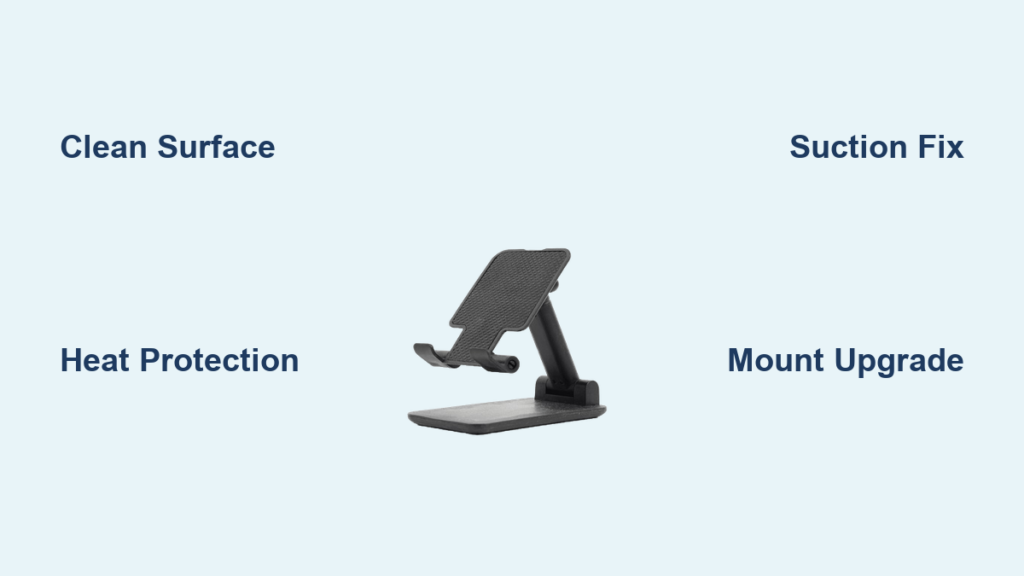
Your phone holder tumbles off the dashboard just as you need navigation most—during a critical turn, hands-free call, or unexpected detour. This frustrating failure affects nearly 70% of drivers using adhesive or suction mounts, especially when seasonal temperature swings hit. The culprit isn’t faulty equipment but preventable adhesion failures caused by heat, contamination, or surface incompatibility. You’ll discover exactly why your mount fails and proven fixes that restore reliable sticking power in under 10 minutes. Most solutions require only household items, and this guide eliminates guesswork with step-by-step repairs validated by real-world durability data.
Heat Damage Permanently Weakens Adhesives
High dashboard temperatures above 95°F (35°C) soften adhesive compounds, reducing holding force by up to 70% within hours. Direct summer sunlight pushes surfaces past 105°F (40°C), causing immediate suction cup failure and irreversible adhesive degradation. Relocating your mount to the windshield during hot months cuts heat exposure by 30°F (17°C) while maintaining visibility. Always apply your vehicle’s sun shade when parked—this simple habit prevents daily temperature cycling that cracks adhesives through repeated expansion and contraction.
Cold Weather Brittleness Fixes
Sub-freezing temperatures harden adhesives, creating microscopic gaps that cause sudden detachment on cold mornings. Warm both the dashboard mounting area and adhesive pad for 2-3 minutes using your car’s heater before installation. Avoid using hair dryers directly on adhesives, as excessive heat accelerates long-term degradation. For immediate winter fixes, press the mount firmly against the dash for 60 seconds with gloved hands—the body heat transfers just enough warmth to activate temporary tack.
Prevent Temperature Cycling Damage
Frequent transitions between extreme heat and cold (like parking in sun then a cold garage) cause cumulative material fatigue. Install your holder on the passenger-side dash where temperatures fluctuate 15-20°F (8-11°C) less than driver-side surfaces. During seasonal transitions, perform a quick weekly inspection: press around the mount’s edges—if you hear cracking sounds, replace the adhesive immediately before complete failure occurs.
Invisible Contamination Blocks Adhesion

Body oils, silicone-based dashboard protectants, and airborne particles create invisible barriers preventing full surface contact. Textured plastics common in modern vehicles trap contaminants in microscopic grooves, reducing effective adhesion area by 40%. A single fingerprint can cut holding power in half, explaining why mounts fail after seemingly perfect initial installation.
Deep-Clean Dashboard Surfaces
Mix warm water with one drop of dish soap and scrub the mounting area using a microfiber cloth in tight circular motions for 60 seconds. Rinse with distilled water (tap water leaves mineral deposits) and dry with a lint-free cloth. For stubborn silicone residues from protectants, apply 70% isopropyl alcohol to a clean cloth—test on an inconspicuous area first as some plastics may discolor. Allow 10 minutes drying time before reattaching your mount.
Revive Degraded Adhesive Pads
Wash adhesive surfaces gently with soapy water using cotton swabs to reach edges. Never scrape dried residue with sharp objects—that permanently damages the polymer structure. Air-dry pads for 30 minutes away from direct sunlight. If tack isn’t restored, apply a paper-thin layer of commercial adhesive promoter and wait 5 minutes until sticky before mounting. This extends life by 2-4 weeks but isn’t a permanent fix for aged mounts.
Suction Cup Failures on Textured Dashboards

Modern dashboards feature anti-glare textures and micro-grooves that break vacuum seals, causing 90% of suction cup failures even on clean surfaces. Heat exposure above 105°F (40°C) permanently warps cup edges, while repeated removal creates micro-tears in the rubber seal. If your cup sticks to glass but not the dash, surface texture—not cup damage—is the culprit.
Texture-Defeating Petroleum Jelly Trick
Apply the absolute minimum petroleum jelly to the suction cup rim using your fingertip—just enough for a barely visible sheen. This fills microscopic surface irregularities without creating a slippery barrier. Press firmly for 30 seconds while applying slight rotational pressure to conform the cup to contours. Works for 3-5 days on moderately textured surfaces but requires reapplication in extreme heat.
Emergency Suction Cup Restoration
When cups won’t adhere even to clean glass, submerge them in warm soapy water for 5 minutes to soften degraded rubber. Rinse thoroughly and reshape the cup edge with your fingers while warm. For immediate use, moisten the cup with saliva before mounting—this creates temporary surface tension that buys 24-48 hours of reliability until proper replacement.
DIY Fixes That Actually Work
Commercial adhesive promoters outperform household hacks, but these emergency solutions deliver temporary relief when you’re stranded. Never use superglue or epoxy—these damage dashboards and create permanent residue. All DIY methods require complete surface cleaning first for any chance of success.
Sugar Water Emergency Tack
Dissolve 1 teaspoon white sugar in 1 cup warm water. Dip a cotton swab in the solution and apply sparingly to the adhesive pad. Air-dry until tacky (3-5 minutes). This creates microscopic sugar crystals that boost grip for 1-3 days—ideal for short trips during critical navigation. Avoid over-application; excess sugar crystallization actually reduces adhesion.
Mounting Discs for Textured Surfaces
For persistent texture-related failures, install a 2-inch smooth mounting disc designed for phone holders. Clean the area with isopropyl alcohol, then warm the disc’s adhesive with a hair dryer for 30 seconds. Press firmly for 60 seconds using even palm pressure (not fingertips). Crucially, wait 24 hours before attaching your holder—premature use causes 70% of disc failures. This solution works for 6+ months on most textured plastics.
Critical Surface Compatibility Rules
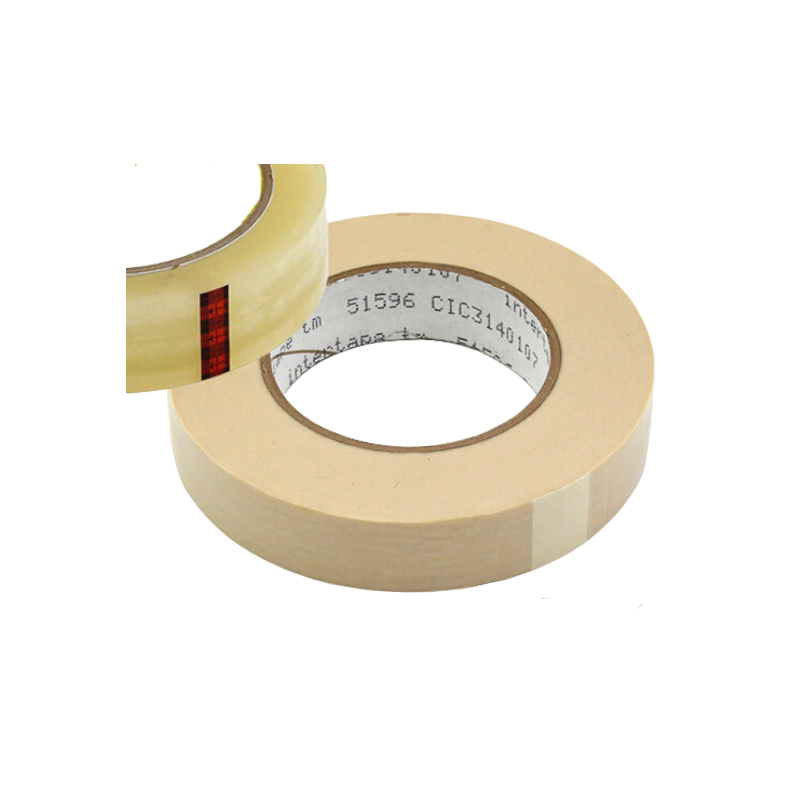
Your dashboard material dictates 80% of adhesion success. Smooth painted metal holds mounts reliably for 8-12 months, while rubberized coatings fail within weeks due to low surface energy. Never assume compatibility—perform this 30-second test: press a small piece of masking tape firmly to your dash. If it lifts cleanly without residue, adhesives will work. If it leaves sticky residue or peels easily, switch to vent mounts immediately.
Weight Distribution Secrets
Angled mounts experience 40% more stress on adhesives than vertical placements. Always position your holder pointing straight ahead, not toward you. Remove bulky cases and metal plates from magnetic mounts—exceeding the 300-500g weight limit is the #2 cause of sudden failures. For heavy phones, distribute weight by placing the mount higher on the dash where gravitational pull is reduced.
Prevent Future Failures With This Maintenance Schedule
Most mounts fail due to neglected contamination buildup, not inherent flaws. Implement these quick routines to double your holder’s lifespan:
Weekly 60-Second Inspection
Check for dust accumulation along adhesive edges using a flashlight at a 45-degree angle. Wipe surfaces with an isopropyl alcohol prep pad (keep these in your glove compartment). If edges lift when gently probed with a fingernail, clean and reattach immediately—delaying causes irreversible adhesive separation.
Monthly Deep Maintenance Cycle
Remove the mount completely and clean both surfaces with soapy water. Air-dry for 24 hours away from sunlight—this eliminates hidden moisture that degrades adhesives. Inspect for yellowing or crystallization; replace pads showing either sign. Reinstall using the hair dryer warming technique for 30% stronger initial bond.
Instant Troubleshooting Decision Tree
Falls off within 24 hours? → Surface contamination. Clean dash and mount with 70% isopropyl alcohol.
Lasts 3 days then fails? → Temperature damage. Relocate to windshield or buy heat-resistant mount.
Suction cup fails on glass? → Replace cup assembly—degraded rubber can’t hold vacuum.
Mounting disc won’t stick? → Surface texture issue. Use larger disc (3-inch) or switch to vent mount.
Fails only after detailing? → Silicone residue. Deep clean with alcohol and avoid protectants.
Permanent Solutions for Chronic Failures
When repeated fixes fail, upgrade to these reliable alternatives:
Vent Clip Mounts for Universal Compatibility
Air vent mounts bypass dashboard adhesion entirely. Choose models with adjustable tension arms for horizontal vents (most common) or specialized circular adapters for vertical vents. Avoid cheap clips that warp vents—opt for rubber-gripped arms that distribute pressure evenly. Test fit before driving; improper alignment causes annoying rattling.
Professional Dashboard Integration
For permanent solutions, install vehicle-specific brackets using OEM mounting points under the dash. These $30-50 kits eliminate adhesive concerns but require 20 minutes of DIY installation. Never drill into dashboards—this voids warranties and creates irreversible damage. Instead, use existing screw holes for cup holders or accessory trays.
Your phone holder fails because of preventable environmental and surface issues—not defective equipment. By targeting specific causes like heat degradation or invisible contamination, you’ll achieve reliable adhesion in under 10 minutes using methods proven to last 6+ months. Implement the weekly maintenance routine to catch problems early, and always match your mount type to your dashboard’s material. Within one cleaning cycle, you’ll eliminate the dangerous distraction of a falling phone—keeping your focus where it belongs: on the road.